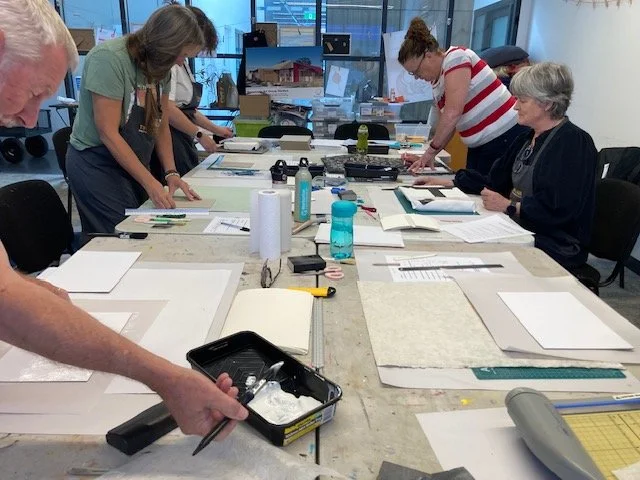
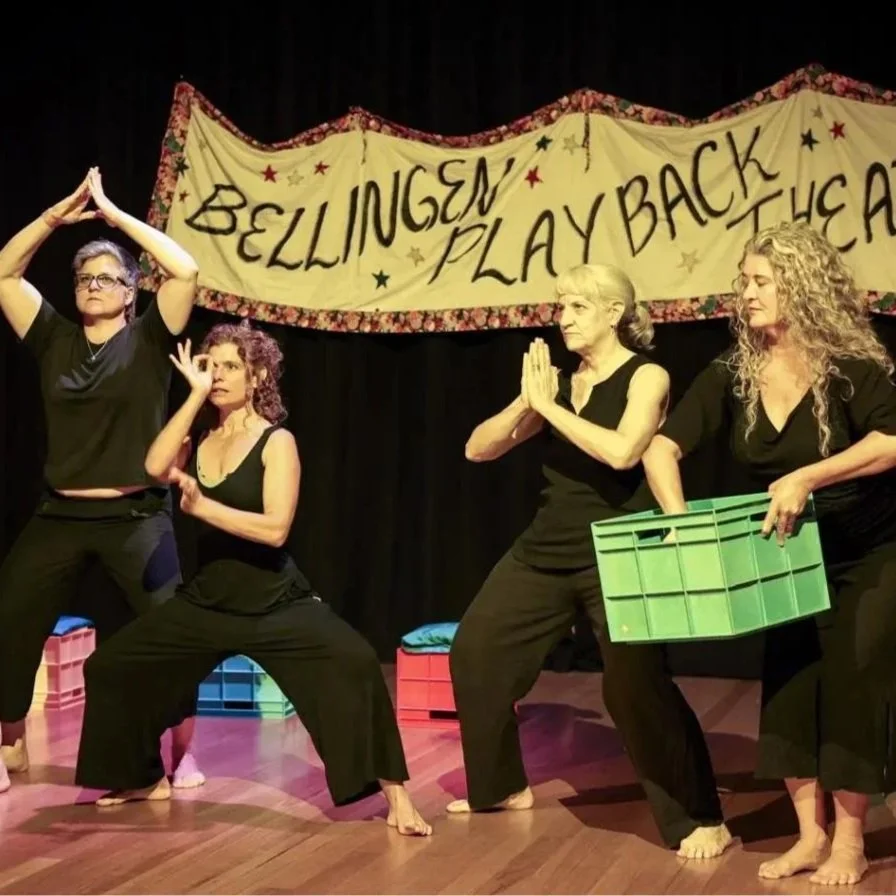
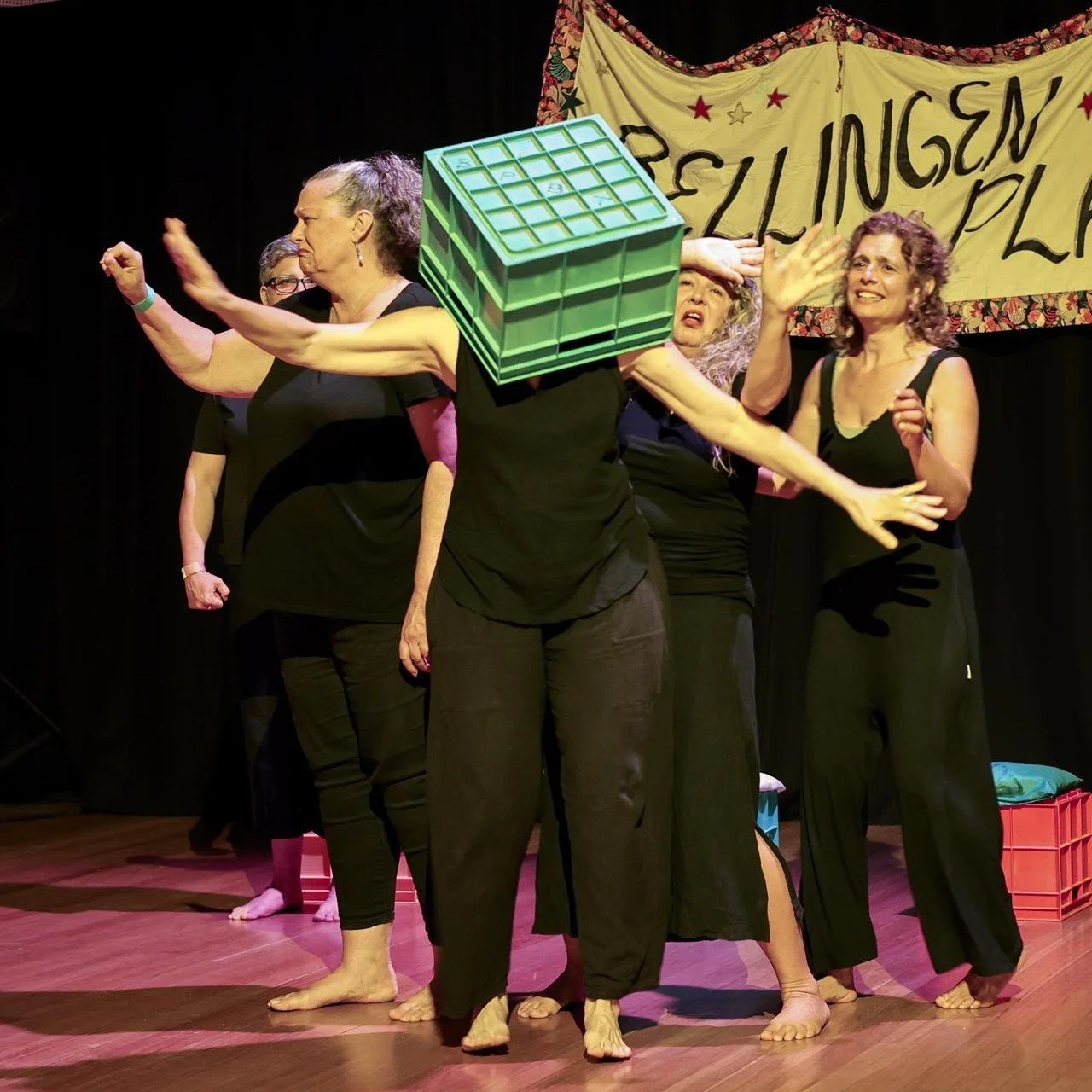
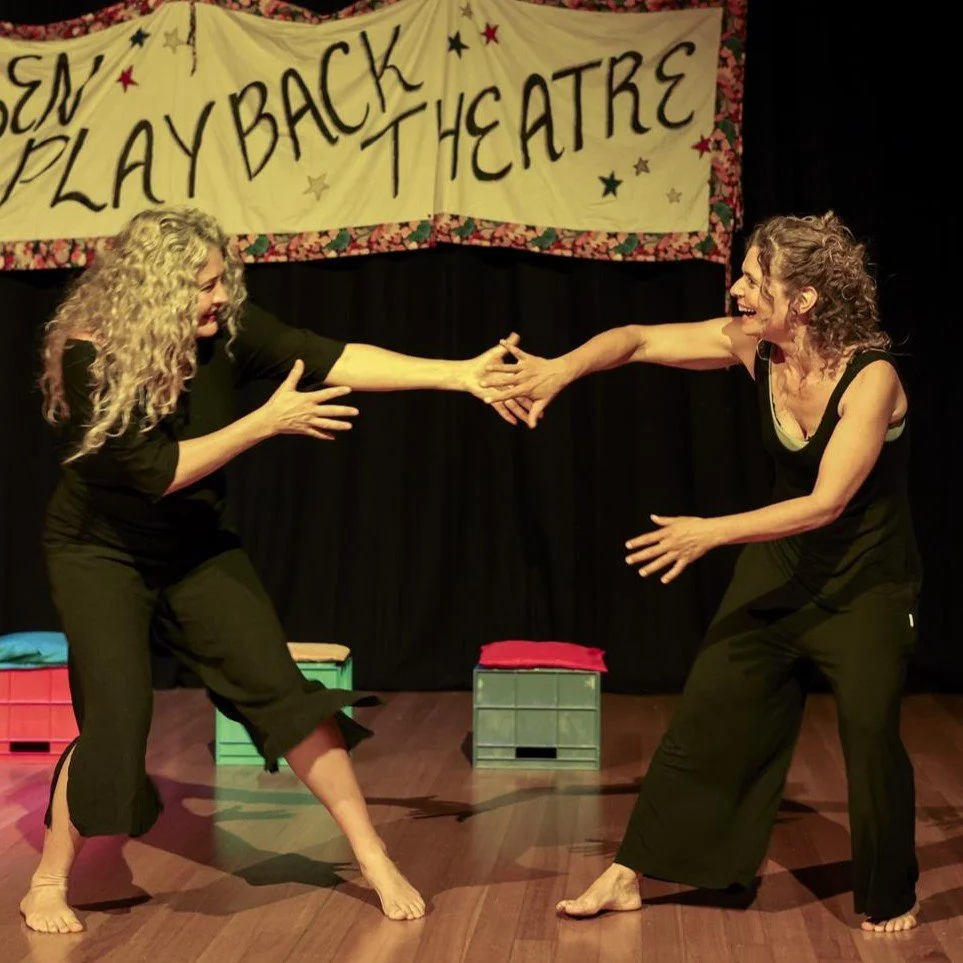
 Image 1 of 12
 Image 2 of 12
 Image 3 of 12
 Image 4 of 12
 Image 5 of 12
 Image 6 of 12
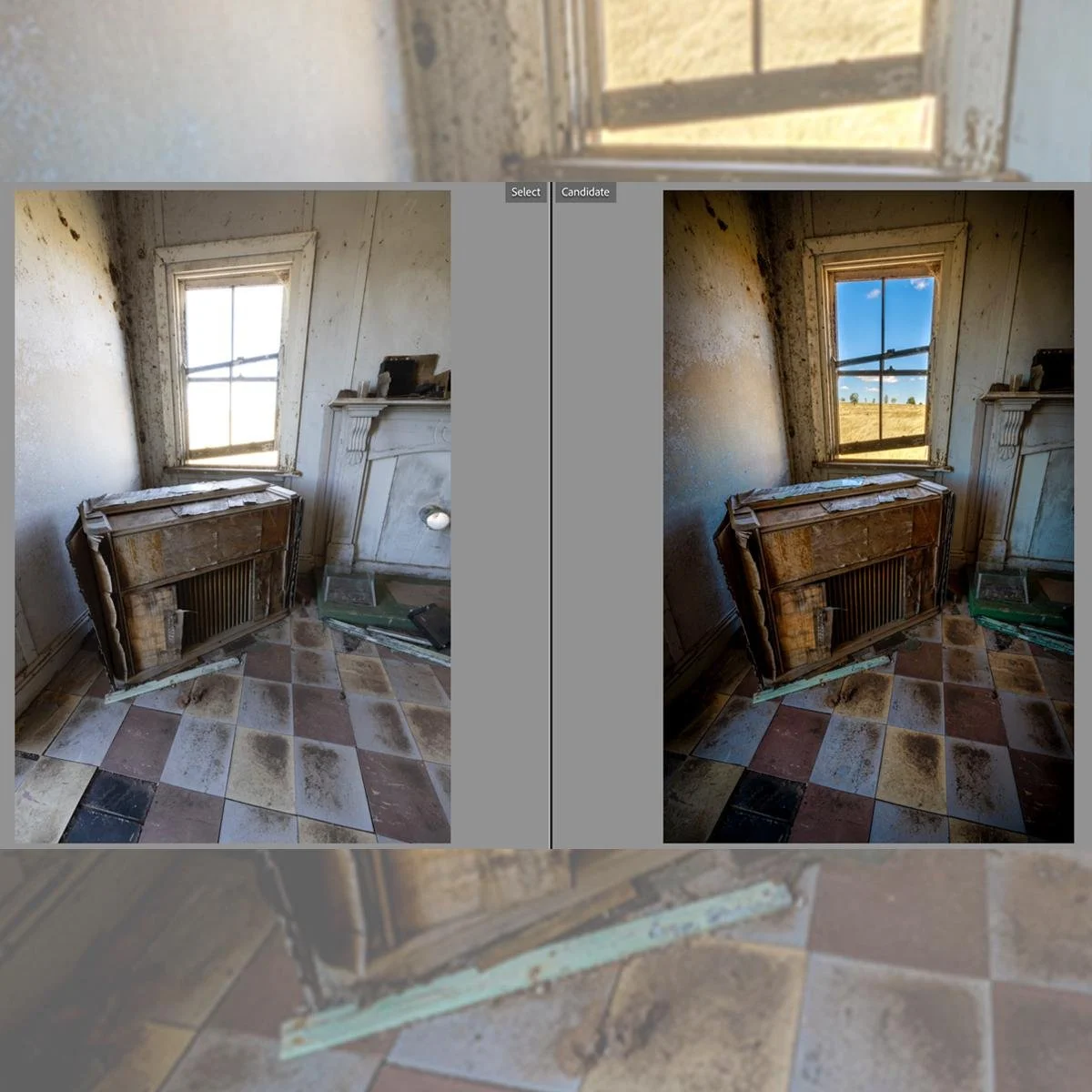 Image 7 of 12
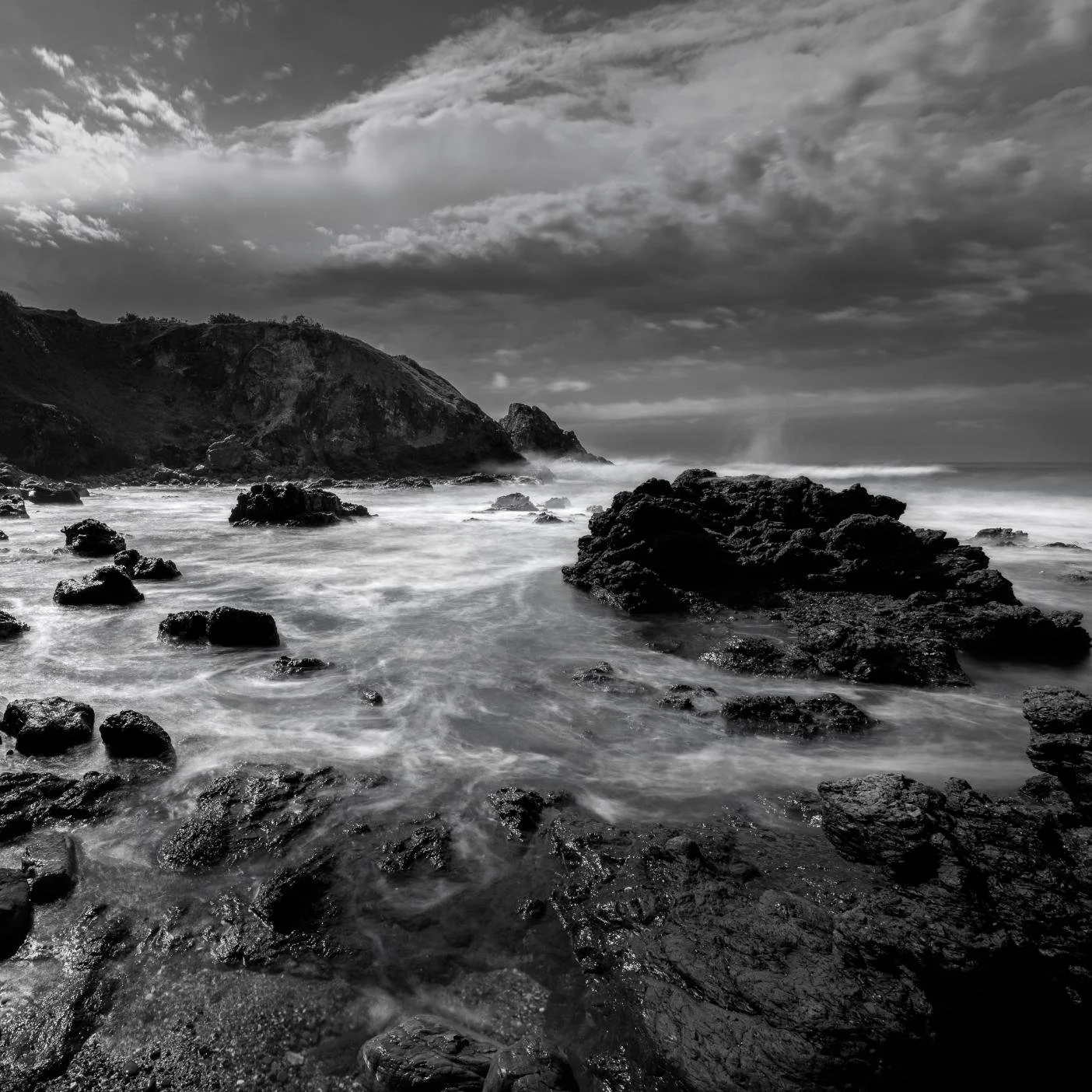 Image 8 of 12
 Image 9 of 12
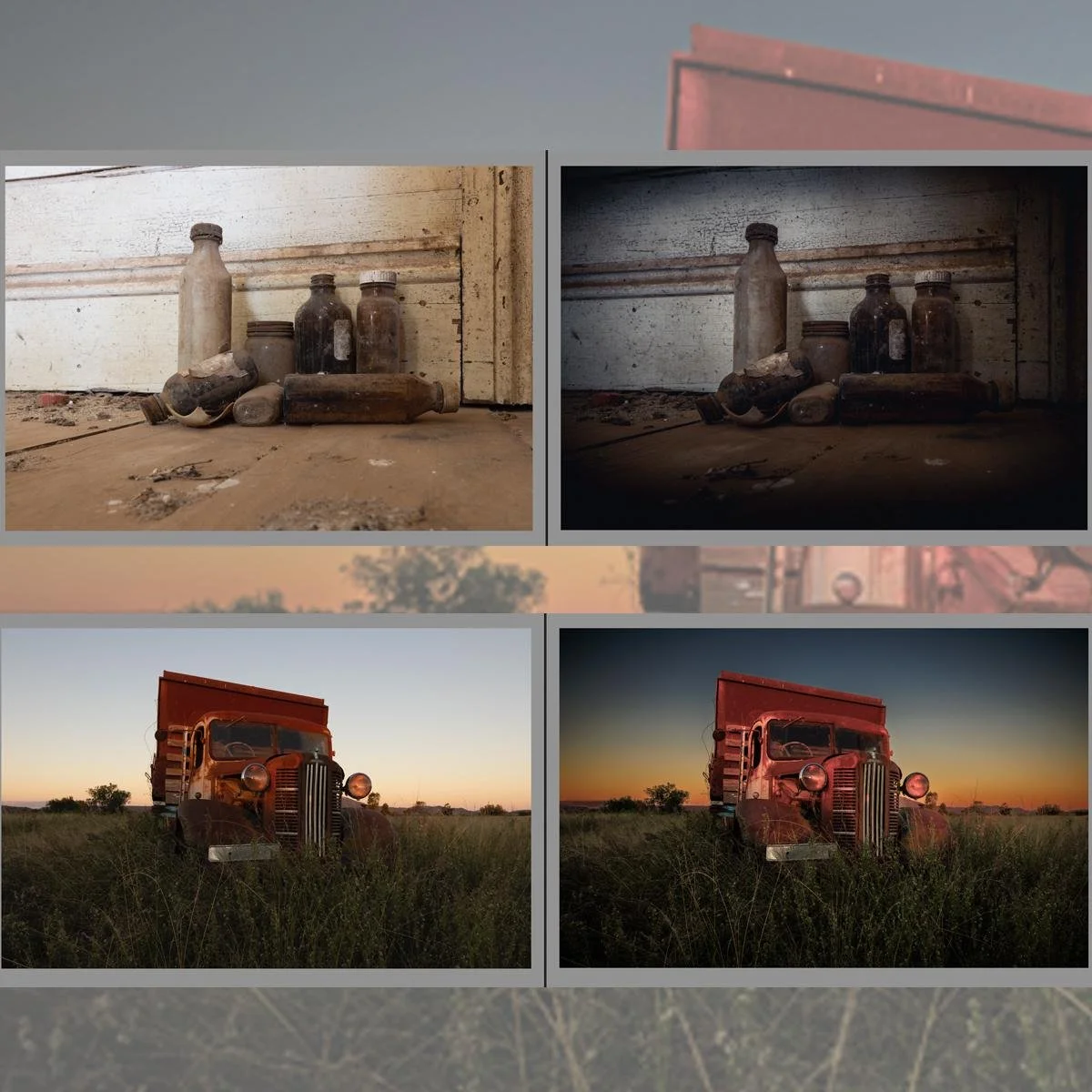 Image 10 of 12
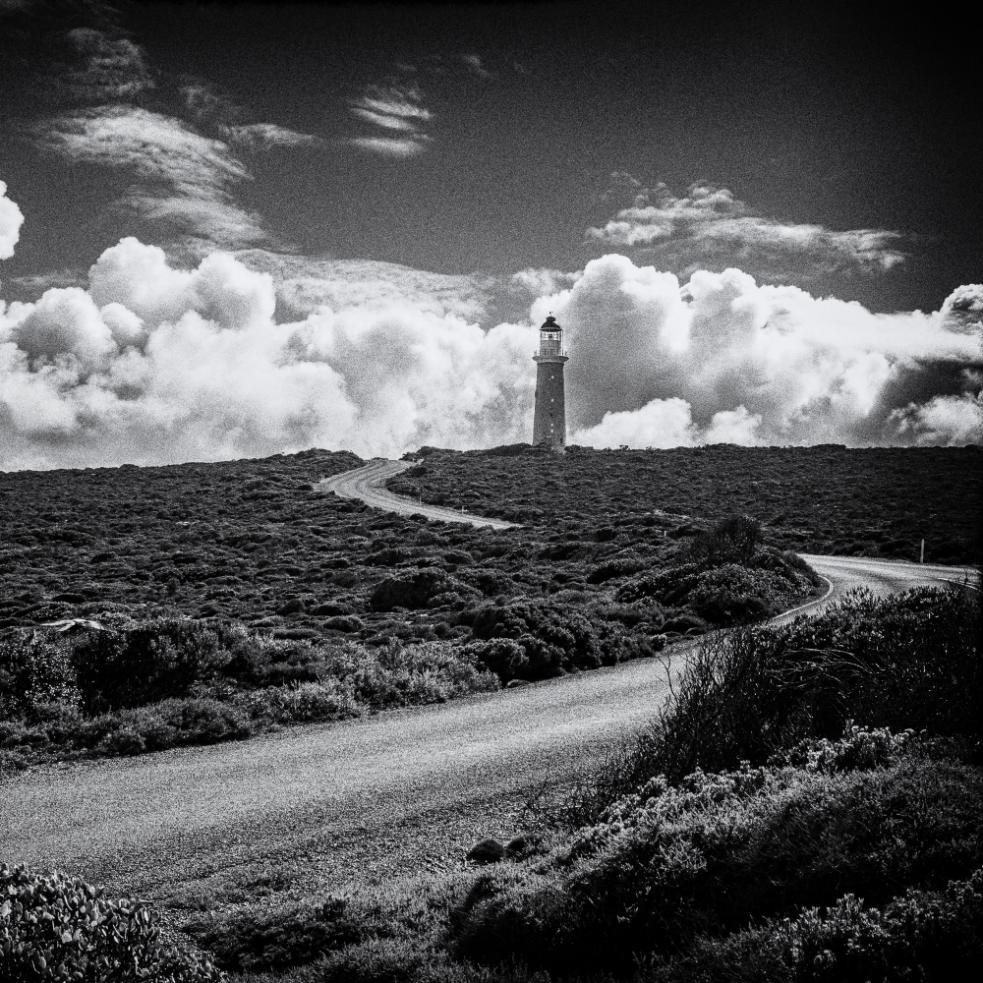 Image 11 of 12
 Image 12 of 12
ESSENTIAL INFO
If you purchase a ticket for this course, all the information on this page will be emailed to you with your ticket.
👥 Suitable for: Ages 16 and up
📍 Venue: Bellingen High School (mobility aid accessible)
📈 Level: BEGINNER to INTERMEDIATE skill level
⏰ Schedule: Mon–Fri, 1pm – 4pm (5 Half-Days)
🚗 Check your venue: If you are booking multiple courses, we are unable to provide transport between venues.
Required skills & experience
Participants must have used Lightroom Classic and have basic computer skills.
Supplies that you need to bring to class
Laptop with Adobe Lightroom Classic installed (your laptop must have a USB port) – IMPORTANT – Laptop must have minimum 2GB GPU RAM
Laptop charger and power cable
Notebook
Pen
Learning outcomes
Tame Your Photo Chaos: Master the Library module using flags, ratings, and collections so you can sort through your shoots and find any image in seconds.
Make Your RAW Files Pop: Get totally comfortable in the Develop module, tweaking exposure, color, and contrast to unlock the hidden details in your photos.
Edit Like a Pro with Masks & Presets: Use powerful masking tools to adjust specific parts of your picture, and learn how to design your own signature presets for a killer, consistent look.
Build Sweeping Panoramas and HDRs: Go beyond single shots by stitching together massive panoramas, merging bracketed HDR images, and creating striking black-and-white conversions.
Share Your Work with the World: Stamp your photos with a custom watermark and export them with the perfect settings for crisp social media posts (Instagram and Facebook) or high-quality prints.
COURSE PLAN
DAY ONE
Understand the layout and functionality of Lightroom Classic.
The Library module explained.
How to import images, view and rate them for editing.
DAY TWO
Understand the use of collections in the Library module.
How to use the develop panel.
DAY THREE
Learn the power of the editing tools in Lightroom’s Develop module.
DAY FOUR
The use of masks in editing.
How to develop a style or look, and make your own presets.
DAY FIVE
To competently use flagging within collection sets.
Create virtual copies and make black and white images.
Create panorama and HDR images.
Make and use a watermark.
Export for printing, Facebook and Instagram.
This course can be done by itself, or in the perfect pair!
Check out Paul’s other course, From Auto to Amazing.
COURSE TUTOR
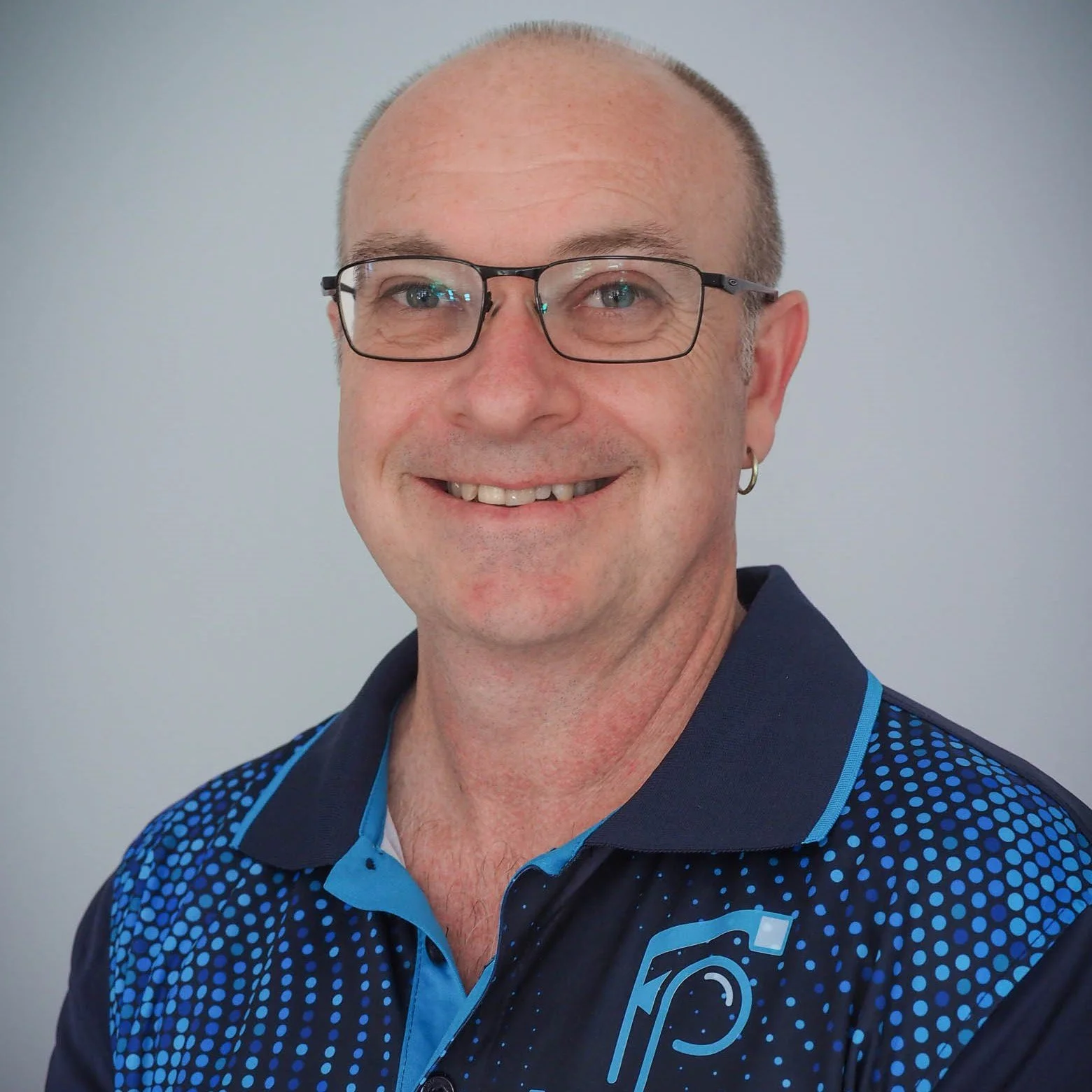
Paul Tidey
Paul has worked in the photographic industry since 1987, and started his business, Fundamental Photography, in 2010. He is a passionate and inspiring teacher who still gets excited about educating you on the joys of capturing that once-in-a-lifetime image. To make sure when it happens you are prepared and ready to go. Know your camera and have the ability and confidence to create your own masterpieces.
At Fundamental Photography, Paul offers digital SLR camera courses that cover everything you need to know about your camera. How your camera works, how to set it up correctly utilising shutter speeds, apertures and ISO’s and how to get the results you are LOOKING FOR!
“Very privileged to spend the week with the tutor and his life long experience and expertise. He was very engaging and was able to assist everyone.”
“The tutor was exceptional: organised, a very good communicator, knowledgeable and encouraging. He was extremely well-prepared, with a carefully paced program that he stuck to all week. He created an excellent atmosphere in the classroom, playing no favourites and encouraging everyone alike.”
BUY TICKETS
Not ready to book just yet?
Pop your details into the form and we’ll email you when this course is almost sold out.
By filling out the form below, you agree to receive email course status updates from Camp Creative.
Filling out this form DOES NOT GUARANTEE YOU A PLACE IN YOUR COURSE OF CHOICE, it is just a reminder system to purchase your ticket before it sells out.
If you wish to buy a ticket now, do so in the section above this one.